For security reasons, UniqWebHost does not allow direct root access. Instead, it provides an admin account with sudo permissions, which allows you to perform administrative tasks without compromising the security of the system.
To perform certain administrative functions on your server (e.g. installing packages), you'll need to have a high level of user access. On Linux servers, this access is called "root".
Learn how to become the root user and create a password for the root account.
Setting the root password
First, establish an SSH connection to your server with your default user by using any SSH terminal software or UniqWebHost VNC Console.
At the command line, set a password for the root user (for security reasons, the password will not be shown as you type it):
~$ sudo passwd root
New password:
Retype new password:
passwd: password updated successfully.
Update the system (Debian/Ubuntu)
To update the installed software packages on your server, type the following command at the command line:
~$ sudo apt update && sudo apt upgrade -y
Update the system (CentOS/Fedora)
To update your server's operating system, type the following command at the command line:
~$ sudo yum update
Become root
To become the root user, type the following command at the command line:
~$ sudo su -
~#
Enable root login and password authentication
Next, enable root login and password authentication in your sshd_config file:
~$ sudo sed -i 's/#PermitRootLogin prohibit-password/PermitRootLogin yes/g' /etc/ssh/sshd_config

~$ sudo sed -i 's/PasswordAuthentication no/PasswordAuthentication yes/g' /etc/ssh/sshd_config
Restart the SSH service (CentOS/Fedora)
~$ systemctl restart sshdRestart the SSH service (Debian/Ubuntu)
~$ systemctl restart sshYou can do it via built-in VNC console in the UniqWebHost Control Panel
First, set the root password.
Next, from the UniqWebHost Control Panel:
- Select your server
- Click on Console
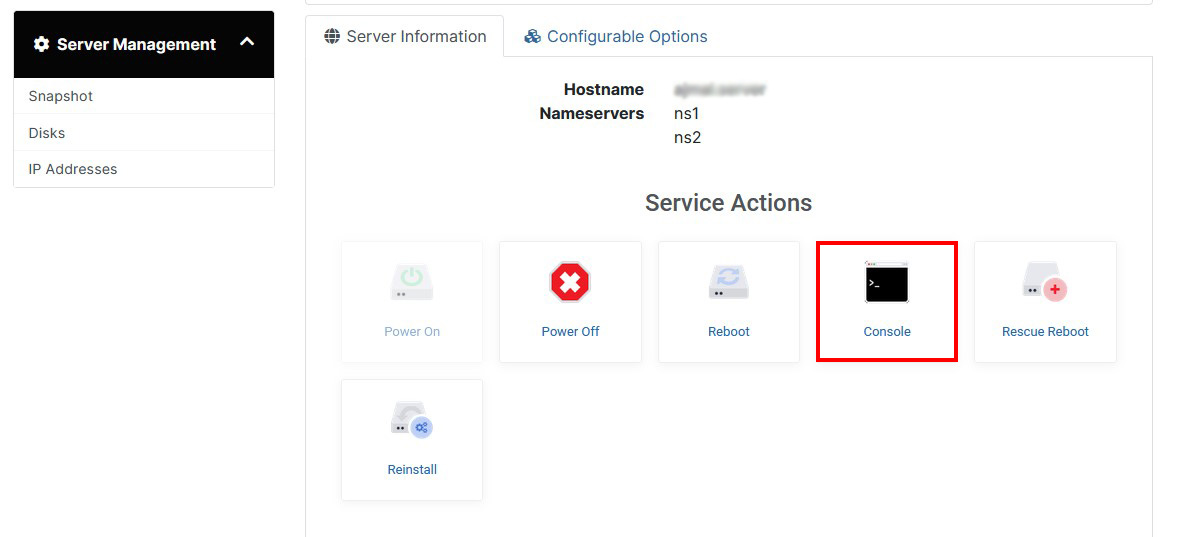
VNC console will open in new browser window where you can issue same commands as SSH Terminal.
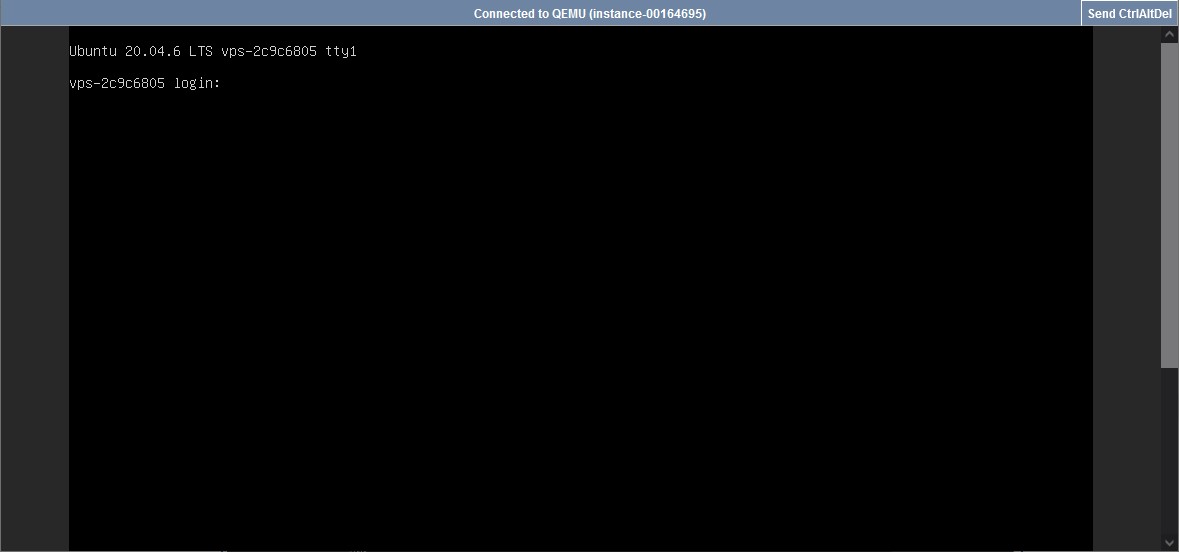
Once done, you should be able to access your server with the root user and password set.